App Reviews15 April 20252 min read
Pagedeck 101: Launch High-Converting Landing Pages — No Code Required
Whether you're promoting a new product, testing an offer, or building a quick campaign page, you need a tool that lets you move fast and stay focused. That’s where Pagedeck comes in.
What Is Pagedeck?
Pagedeck is a no-code tool that helps you build clean, conversion-focused landing pages with minimal setup. Designed for founders, marketers, and creators, it's especially useful when you need to test, promote, or validate quickly.
Popular use cases include:
- Product announcements or launches
- Lead capture pages
- Promo and discount campaigns
- Link-in-bio pages for creators
- Ad-specific landing pages with fast load times
Pagedeck prioritizes simplicity: you get the essentials, with none of the extra noise.
Key Features
- Drag-and-drop editor with visual controls
- Shopify integration for seamless product sync
- Optimized for mobile by default
- A/B testing functionality
- Fast, lightweight hosting (sub-second load times)
- Real-time analytics built in
- Branded URLs and domain support
Getting Started
1. Create an AccountGo to pagedeck.com and sign up — no credit card required.
2. Set Your Brand IdentityBefore you build, set the foundation:
- Upload your logo
- Choose your fonts and brand colors
- Save these to apply automatically across all future pages
3. Start BuildingClick “New Page” and select from a collection of conversion-optimized templates:
- Product launches
- Email capture offers
- Flash sale promos
- Creator-style micro-sites
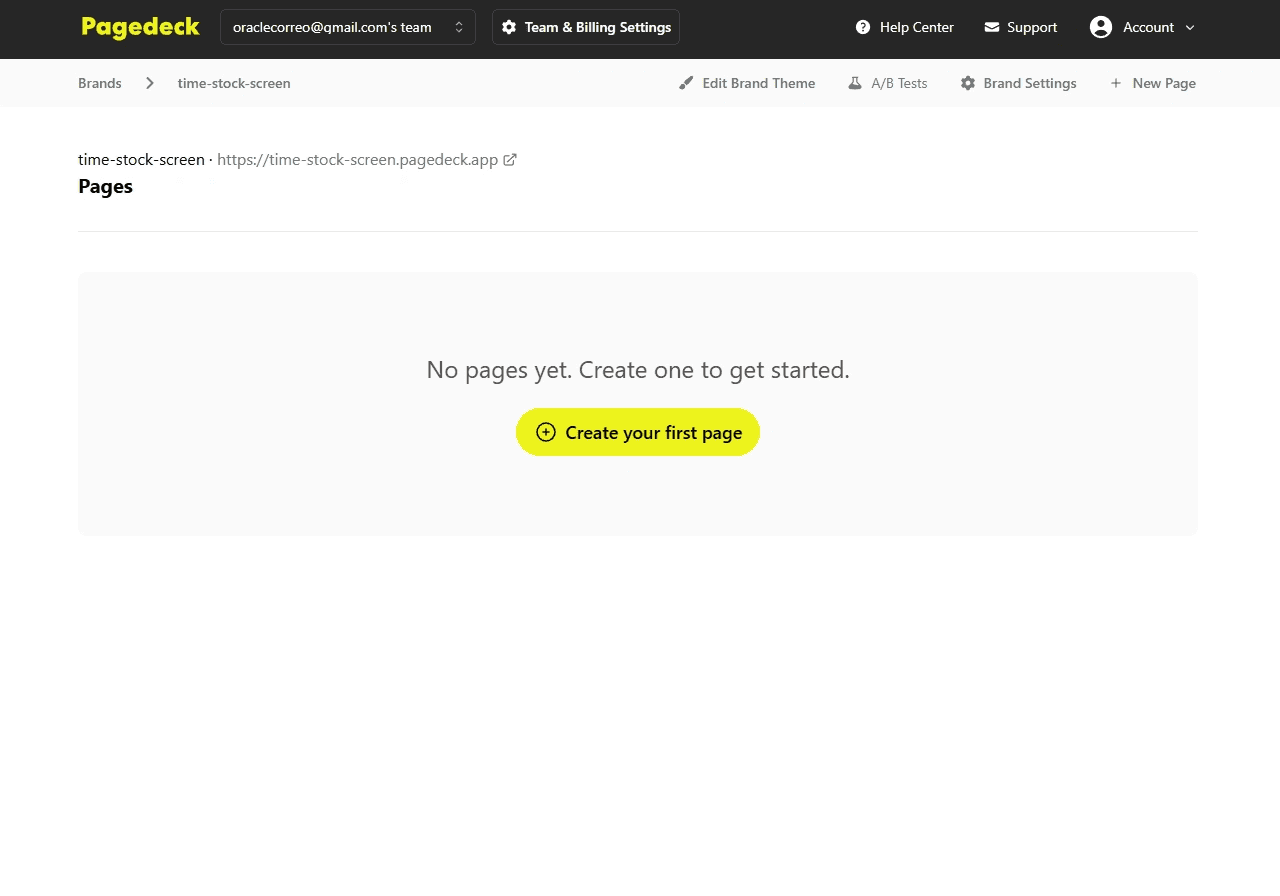
4. Customize VisuallyUse the editor to tweak layout, text, visuals, and structure. Add or remove sections, swap images, update links, and shift blocks around as needed.
5. Optional: Connect ShopifyIf you're using Shopify, you can:
- Sync your product catalog
- Auto-populate descriptions and images
- Add buy buttons directly to your landing pages
6. Preview and PublishOnce everything’s in place:
- Preview your design across devices
- Double-check buttons and links
- Hit publish to go live via Pagedeck’s domain or your own
Tips for Better Performance
- Start with one clear goal: Each page should drive a single action — don’t dilute your message.
- Use high-quality visuals: Hero images and videos should support the offer and look sharp.
- Design mobile-first: Most visits come from mobile. Pagedeck does the heavy lifting, but it pays to review and refine.
- Add proof points: Testimonials, ratings, and client logos make a big difference.
- Test variations: Try out different headlines, images, or CTAs with A/B testing to see what converts best.
- Stay concise: The most effective pages are the most focused. Let your content breathe.
Who Should Use Pagedeck?
Pagedeck is ideal for:
- Founders running quick-launch campaigns
- Marketers testing offers or ad traffic
- Creators linking to products or content
- Startups validating ideas with early users
If speed and simplicity matter — this tool fits the bill.
