Framer Tutorials25 February 20262 min read
How to Stop Mobile Over-Scrolling in Framer (No Code Fix)
Tired of the rubber-band bounce effect on mobile browsers? Learn how to instantly lock the over-scroll behavior on your Framer sites without writing custom code.
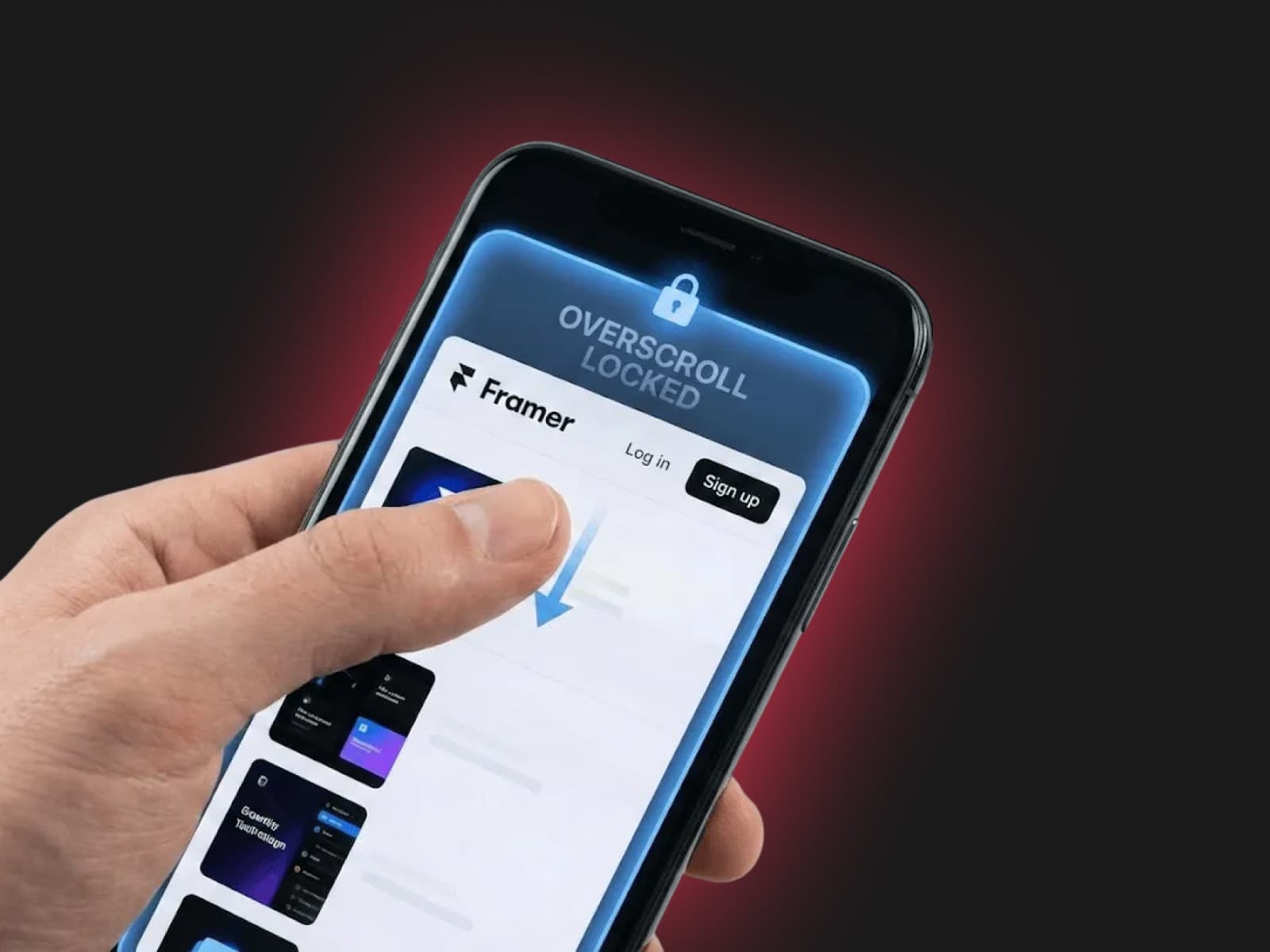
Have you ever built a pixel-perfect site in Framer, only to open it on your iPhone and realize you can drag the entire page past the top or bottom limits?
That rubber-band "bounce" effect is a native feature on mobile browsers like Safari and Chrome. While it's meant to feel natural for standard reading, it completely breaks the immersion of web apps, custom dashboards, and premium landing pages.
Here is exactly why it happens and the easiest way to fix it without touching a single line of code.
Why Mobile Browsers Do This
Mobile browsers use "overscroll" to let users know they've reached the end of a webpage. By default, pulling past the top or bottom reveals the browser's blank background canvas.
If your Framer site relies on fixed navigation bars, sticky headers, or full-screen immersive layouts, this bounce effect pulls the user out of the experience and makes your site feel unpolished.
The Traditional Fix (Custom Code)
Normally, fixing this requires diving into custom code. Developers usually have to inject specific CSS properties like overscroll-behavior: none; into the <body> tag, or write JavaScript event listeners to block the native touch-move behavior.
If you aren't comfortable writing, testing, and maintaining custom code overrides in your Framer project settings across different breakpoints, this becomes a major headache.
The Instant Fix: Stop the Over-Scroll Component
You shouldn't have to write custom CSS just to stop a page from bouncing.
That's exactly why I created the Stop the Over-Scroll component. It's a plug-and-play solution designed specifically for Framer that handles all the technical heavy lifting behind the scenes.
How to use it:
- Get the component from the store.
- Paste it directly anywhere into your Framer canvas.
- Publish your site.
That’s it. No custom code injection, no messy project settings. The component automatically locks the overscroll behavior, giving your Framer sites the solid, locked-in feel of a native mobile app instantly.
Get the Stop the Over-Scroll Component Here
